

Get 50% Discount Offer 31st May 2026 on SmartPos ERP Cloud Solution Use Coupon SMART
Contact Info
Kimathi House, Second Floor room 804, Kimathi Street Nairobi, Kenya
+254 722496128 | +254 788 400400
info@smartsoft.co.ke
Get StartedRecommended Services
Top Business Solutions
Ultimate Guide to SEO for WordPress: Boost Your Website’s Rankings
Why SEO is Important for WordPress Sites?
WordPress SEO is especially important because WordPress powers over 40% of websites globally. Optimizing your WordPress site ensures that search engines like Google can easily crawl and index your pages, making your content more accessible to users searching for relevant information.
Keyword Research for WordPress SEO
Keyword research is the foundation of on-page SEO. Use tools like Google Keyword Planner, Ahrefs, or SEMrush to find high-volume keywords that are relevant to your niche. Focus on long-tail keywords (phrases with 3-4 words) that match user intent
Optimizing Content with Keywords
Incorporate your target keywords naturally into your content, including the title, H1 tags, subheadings (H2, H3), meta descriptions, and body text. For example:
Title: "10 Proven SEO Tips for WordPress Beginners"
Meta Description: "Discover 10 effective SEO strategies for WordPress to boost your website’s visibility and drive more organic traffic."
Ensure the primary keyword appears within the first 100 words of your content.
SEO-Friendly URLs
Use short, descriptive, and keyword-rich URLs. For instance, instead of www.example.com/post123, use www.example.com/seo-tips-wordpress.
In WordPress, you can adjust the permalink structure in the Settings to Post Name for cleaner URLs.
Image Optimization
Optimize images by adding alt text with relevant keywords, compressing images using plugins like Smush or Imagify, and choosing appropriate file names (e.g., seo-guide-wordpress.jpg). This not only improves page load speed but also helps images rank in Google Image Search.
Using SEO Plugins
SEO plugins like Yoast SEO, Rank Math, or All in One SEO make it easy to optimize your content. These plugins provide features like focus keyword analysis, meta description editing, schema markup, and readability analysis. They also help create XML sitemaps and robot.txt files to guide search engines in crawling your website.
Creating XML Sitemaps
An XML sitemap helps search engines find and index all the important pages on your website. Most SEO plugins can generate an XML sitemap automatically. Once created, submit the sitemap to Google Search Console to ensure all your pages are indexed
Mobile-Friendliness
Google uses mobile-first indexing, meaning it prioritizes the mobile version of your website when ranking it. Choose a responsive WordPress theme and test your website using Google’s Mobile-Friendly Test to ensure a seamless experience for mobile users.
Off-Page SEO Strategies
Backlinks are links from other websites that point to your content, signaling to search engines that your content is valuable. Focus on guest blogging, reaching out to industry influencers, and participating in online forums to earn high-authority backlinks. Ensure that the backlinks come from relevant and reputable websites to maximize their impact.
Social media signals can indirectly boost your SEO efforts. Share your WordPress blog posts on platforms like Facebook, Twitter, LinkedIn, and Pinterest to increase content visibility and drive traffic. Encourage readers to share your posts by adding social sharing buttons to your website.
Write guest posts for websites in your niche to establish yourself as an authority and earn backlinks. Focus on writing high-quality content that provides value to readers, and include a link back to your site in the author bio or within the content.
Common SEO Mistakes to Avoid
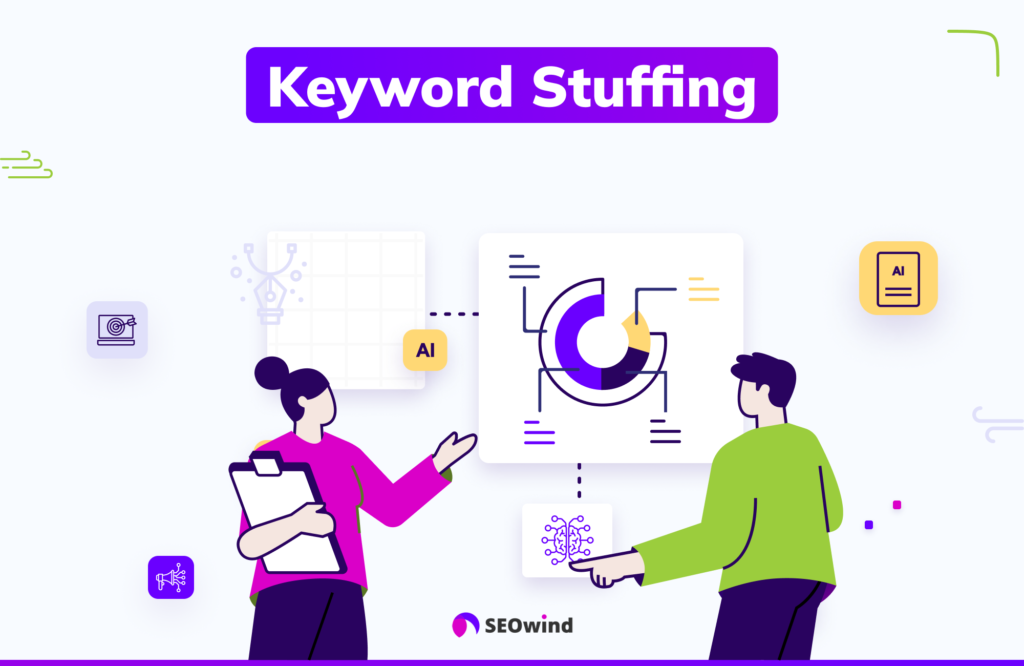
Keyword Stuffing
Avoid using keywords excessively in an attempt to rank higher. This can lead to keyword stuffing, which is penalized by search engines. Focus on natural language and user intent.
Ignoring Mobile Users
With the majority of users browsing on mobile devices, neglecting mobile optimization can hurt your SEO rankings. Always use a mobile-responsive design and test your site on different devices.
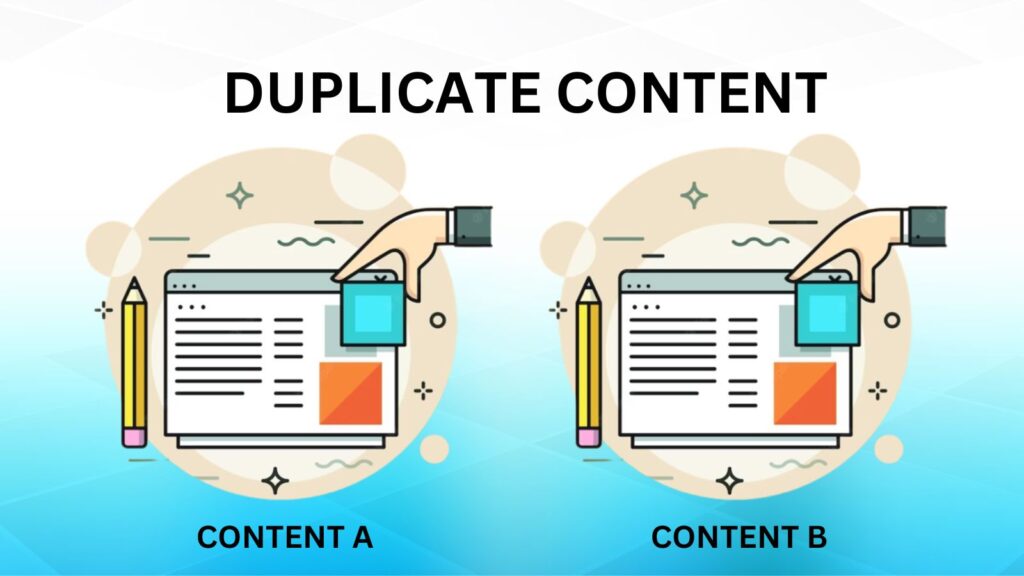
Duplicate Content
Search engines penalize sites with duplicate content. Use canonical tags to indicate the original source of the content and ensure each page has unique and valuable information.